
flipgoblin brings your Telegram group straight to your FLIPgo stream. When you go live, the bot posts an alert. Anyone in the group taps Watch live and opens your stream directly.
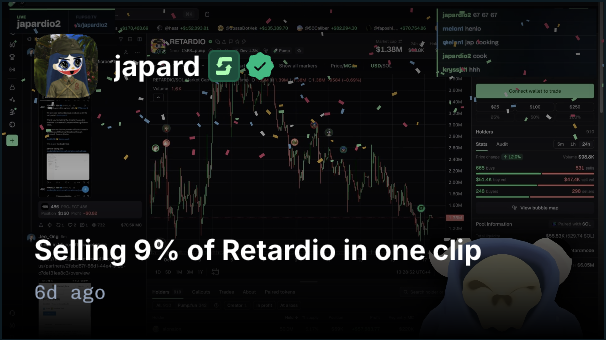
Japardio is live.
Watch live →
Add the bot. Choose a creator. Get the live alert.
- Add flipgoblin to your Telegram group.
- A group admin sends
/track japardio. - When Japardio goes live, the group gets a message with a direct link to the stream.
Track one creator or several. Each alert names the creator, includes the stream title, and gives everyone in the chat the same one-tap way to watch. Use /live to see which tracked creators are broadcasting now.
More reasons to watch
News and platform activity bring people into streams already covering the story. A major trade, a liquidation, a market announcement, or a change in the competition standings gives the group a reason to join now.
Illustrative examples:
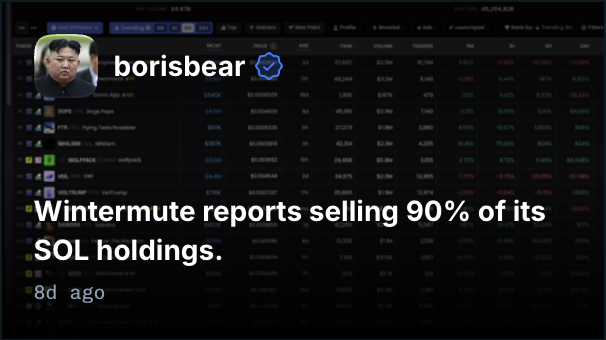
JUST IN: Wintermute reports selling 90% of its SOL holdings.
A Wintermute guest is answering questions live on FLIPgo.
Watch the Q&A →
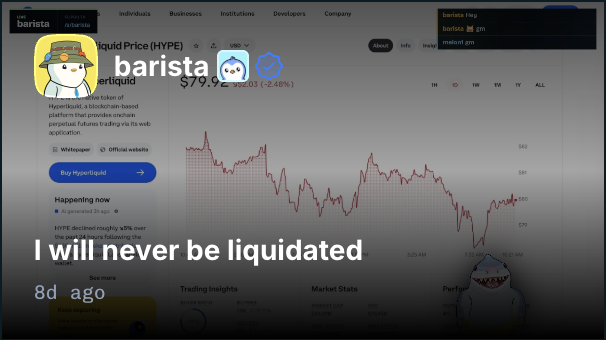
A trader's ETH position was liquidated. Realized loss: $800k in 10 minutes.
They're still live, reviewing what happened.
Watch live →
Groups choose the news topics, assets, and creators they follow. Stories include their sources. Upcoming sessions, clips, and replays give the group something to watch when the relevant creator is offline.
Your group controls the feed
Live alerts work on their own. Admins can add news, trading updates, verified tips, and competition coverage, then set quiet hours or pause delivery. News and activity can arrive in a digest while live alerts stay immediate.
Gated communities
flipgoblin also checks join requests for creator groups. Admins can admit followers, verified tippers, active paid subscribers, or participants in a selected creator vault. Visitors link their Telegram account to their FLIPgo profile to verify access.
Subscriber and vault access connect to creator memberships and vaults. A private group can be a membership benefit or a place to discuss the vault's strategy.
Command reference
Show all commands and settings
Commands apply to the group where they are used. Only group admins can change subscriptions, delivery settings, or admission rules. Members can request news and coverage, view the group's subscriptions, and check their own access.
Names, assets, amounts, and times below are examples. Where options are separated by |, choose one. Settings are also available through /settings.
Setup and settings
/help- list commands and show how to use them./setup- guide an admin through topics, creators, and delivery preferences./settings- show the group's configuration; admins can edit it./subscriptions- list the group's news topics, assets, and tracked creators.
News subscriptions
/news on|off- enable or disable the news feed without changing creator alerts./topics- list available topics, including crypto, equities, macro, regulation, and prediction markets./topic macro on|off- add or remove a topic./topic all onselects all topics./asset SOL on|off- add or remove an asset filter for asset-specific news. With no asset filters, all assets are eligible; broader news in selected topics remains included./priority major|all- receive only major news or all selected news.
Creators and activity
/track username- enable live alerts for a FLIPgo creator in this group. Use/track allto follow every creator./untrack username- remove a creator from the group's subscriptions. Use/untrack allto clear every creator live subscription before selecting individual creators./alerts- show the activity types enabled for tracked creators./alert live on|off- control live announcements. Other types aretrades,liquidations,tips,sessions,clips, andcompetitions./threshold trades 100000- set the minimum trade value in USD. Useliquidationsfor liquidated position value ortipsfor verified tip value;offremoves that minimum.
Activity settings apply to all creators tracked by the group. Amount thresholds filter alerts; they do not turn every qualifying transaction into a post. News subscriptions work independently, so a group can follow financial news without tracking individual creators.
Delivery and volume
/delivery instant|digest- send news and activity updates as they happen or in a scheduled summary. Live announcements stay immediate./digest daily 09:00- schedule a daily digest./digest weekly monday 09:00schedules a weekly one. Setting a schedule selects digest delivery for news and activity./timezone Europe/London- set the time zone for digests and quiet hours. Times use UTC until changed./quiet 23:00 08:00- suspend automatic posts during these hours./quiet offremoves the quiet period./limit 5- allow at most five automatic posts per day./limit offremoves the cap./pause 2h- pause automatic posts for two hours./pausepauses them until an admin resumes delivery./resume- resume automatic posts with the group's existing settings.
The default digest schedule is daily at 09:00 in the group's time zone. Daily limits use that time zone too. Quiet hours and pauses take precedence over delivery schedules. On resuming, the bot sends only updates that are still relevant, without flooding the group with missed alerts. Members can still request news and coverage while automatic posts are paused.
Find news and coverage
/latest- show recent news matching the group's subscriptions./live- show tracked creators who are live now./live SOL- find live FLIPgo coverage of an asset, including creators the group does not track./upcoming- show scheduled sessions matching the group's topics or tracked creators./replays- show recent recordings and clips matching those interests./profile username- link to a creator's FLIPgo profile and public accounts./standings- show active competitions involving tracked creators and link to their standings.
Group admission
/guard username followers- admit people who follow this creator on FLIPgo./guard username tippers- admit people with at least one verified tip to this creator./guard username subscribers- admit people with an active paid subscription to this creator./guard username vault vault-address- admit people with a current deposit in the selected vault managed by this creator./guard off- stop checking new join requests./guardstatus- show the group's current admission rule./verify- open account linking and check your eligibility. Applicants receive the same verification link with their join instructions.
Admission checks require Telegram's join-request flow and the relevant bot admin permissions. Each group selects one creator and one admission rule. These rules apply to new join requests; changing a rule does not remove existing members. Gating is optional and independent of the group's news feed.
News subscriptions control what the bot posts. Paid creator memberships determine eligibility for subscriber groups.